 Motion16
Free AI Video Generator
Motion16 is a free AI video generator and AI image maker that runs in your browser. The Free plan gives you up to 6 free AI videos a day, one each on Omni Flash, Veo 3.1 Fast, Meta video, Grok Lite, Veo 3.1 and Veo 3.1 Lite, and up to 20 free images a day on each of Nano Banana 2, Nano Banana 2.1, Nano Banana 2 Lite, Meta image, Grok Image 2.0 and Grok Speed. You can start from a text prompt or turn your own photo into a video. Plus ($4.99 a month) and Pro ($14.99 a month) raise the daily amounts, and Pro adds Grok video.
See Motion16
What Motion16 looks like in your browser: pick a model, type a prompt, and keep every result in your Gallery.
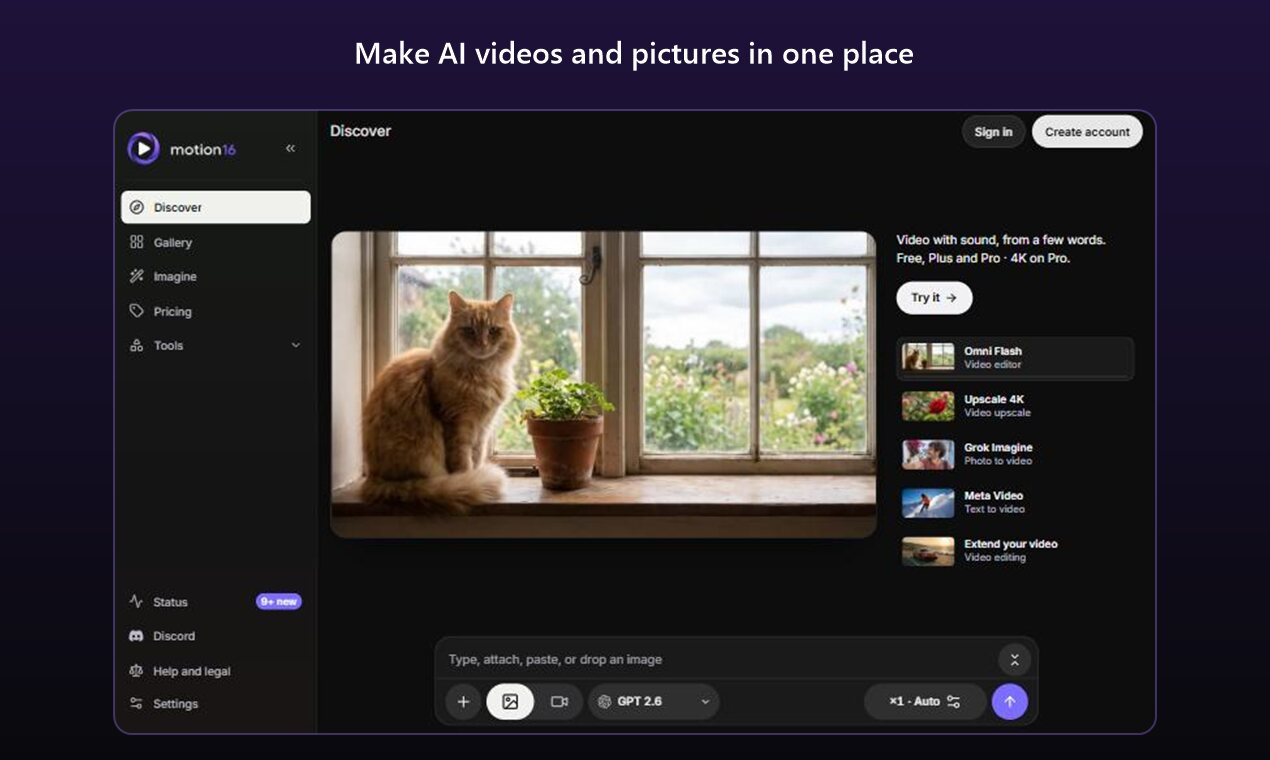
Make AI videos and pictures in one place. 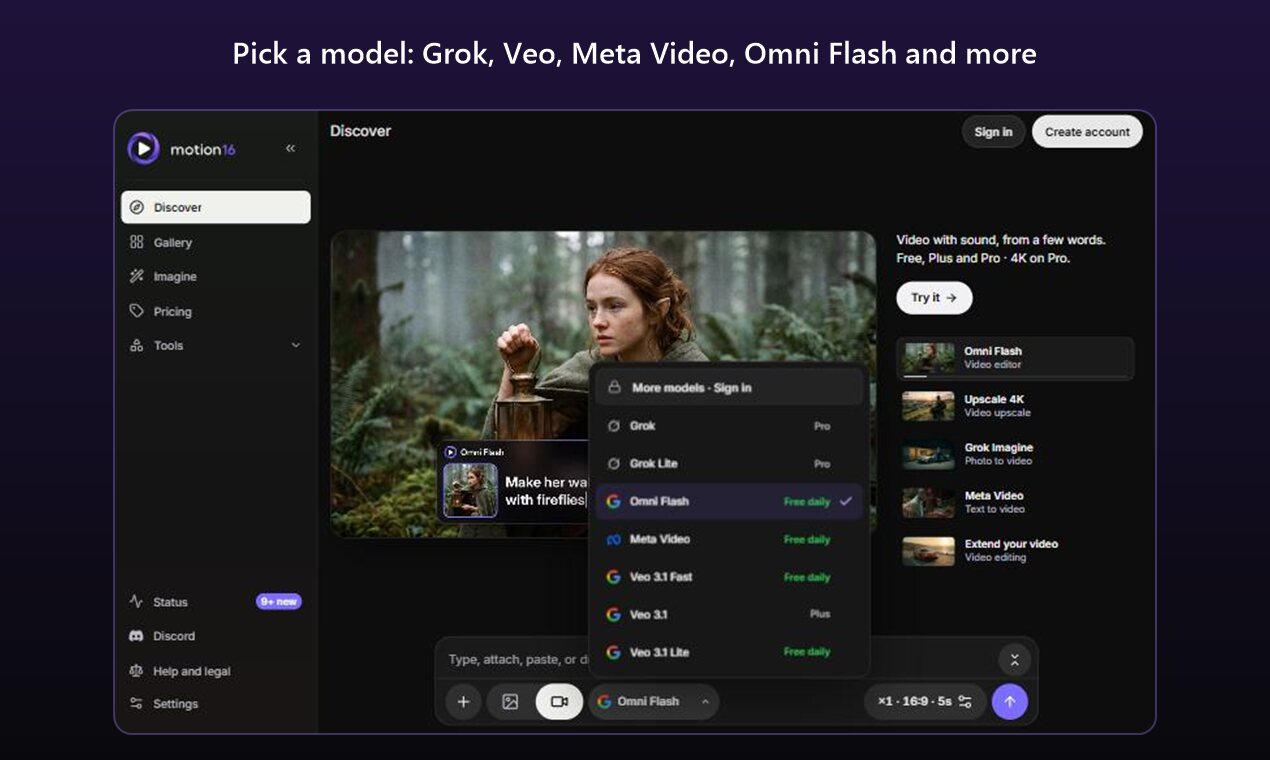
Pick a model: Grok, Veo, Meta Video, Omni Flash and more. 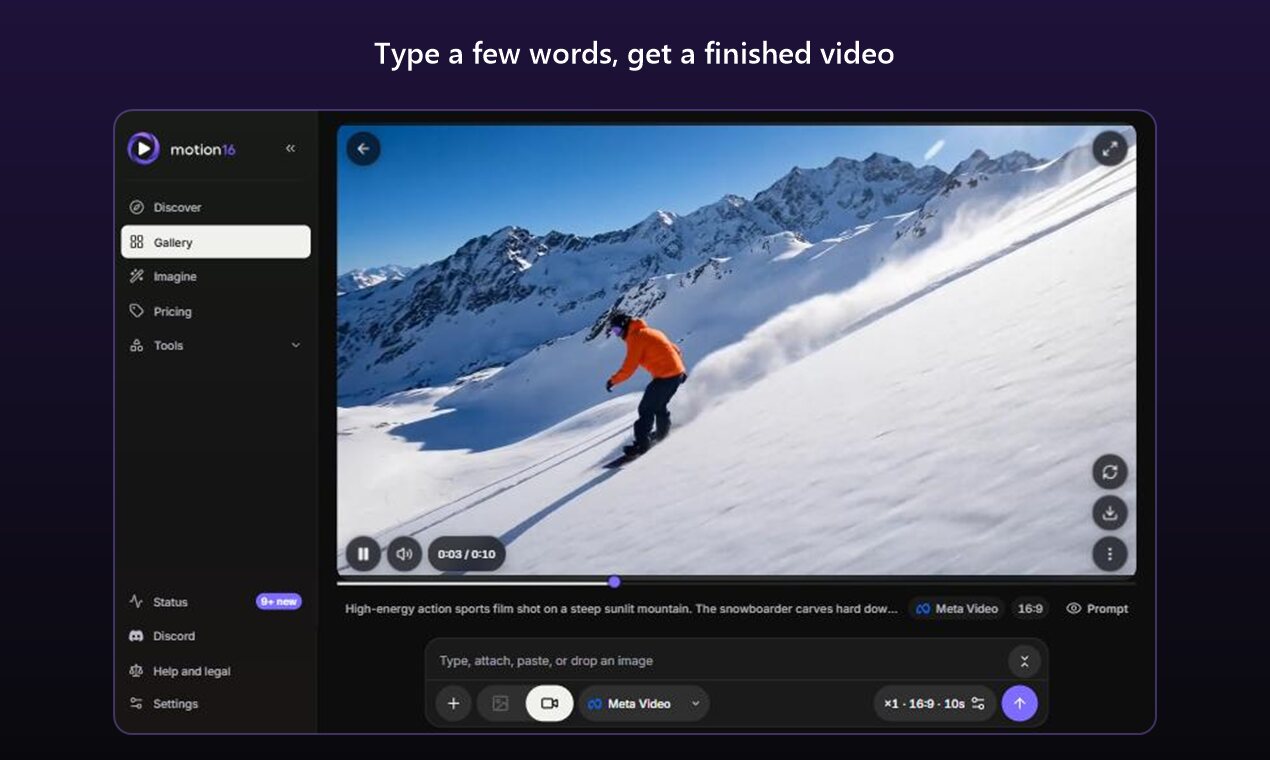
Type a few words, get a finished video. 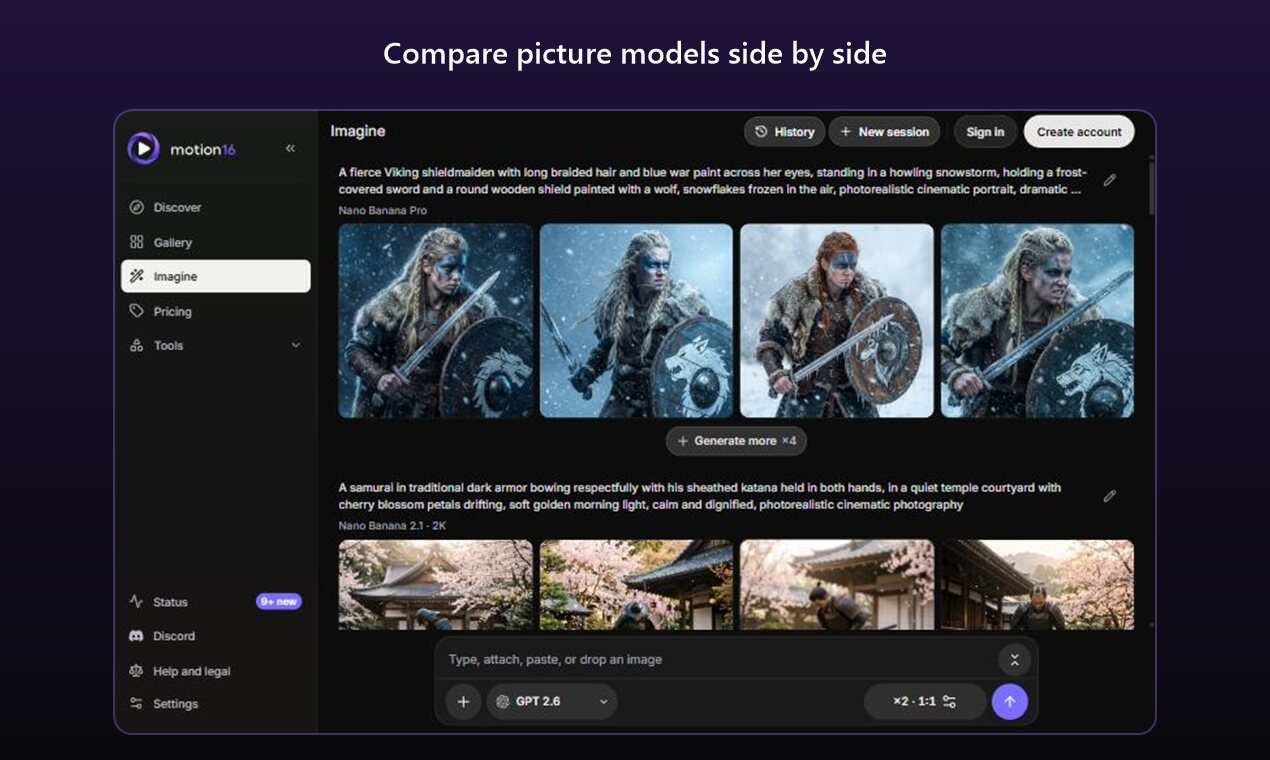
Compare picture models side by side. 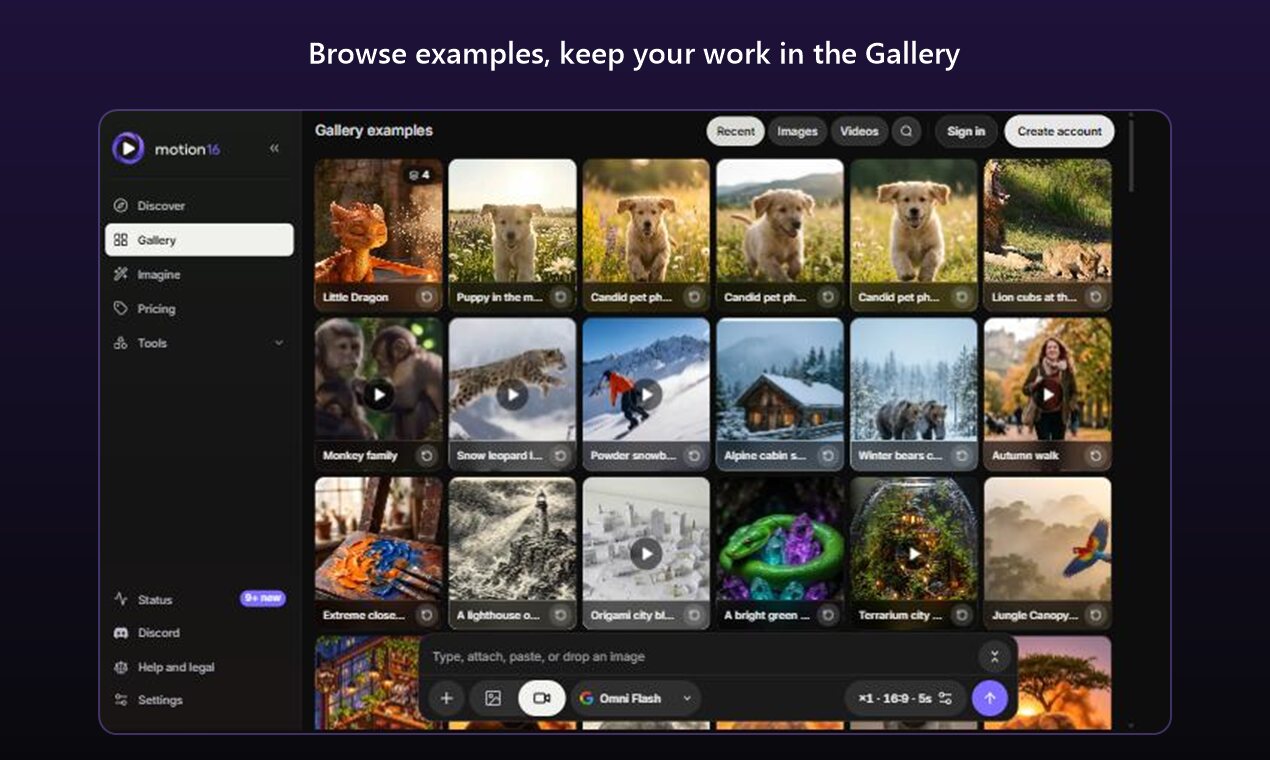
Browse examples and keep your work in the Gallery.


Make lots of AI videos
Free gives you a few videos every day. Plus and Pro are built for volume: many models, many clips from one prompt, and new videos every day.
- 6free videos a day on Free
- 65videos a day on Plus
- 255videos a day on Pro
- 7AI video models
- ×8images from one prompt
- ×4Grok videos from one prompt
AI videos made on Motion16
Real examples from the Motion16 Gallery, with the prompts behind them.
Snow leopard leap Cinematic nature film shot high in snowy mountains. Whale Song A majestic whale passes slowly through deep blue water, its body rising toward soft light from the surface. Mars dust storm The astronaut sprints toward the camera across red Mars rocks, boots kicking up dust. Baby dragon hop 3D animated feature film. Tokyo noodle stall The chef flips flaming noodles, steam and sparks rise, rain glistens on the neon signs as the camera slowly pushes in. Rainy cafe Cozy cinematic scene in a small warm cafe on a rainy evening.
AI video models you can use
Omni Flash, Veo 3.1 Fast, Meta video, Grok Lite, Veo 3.1 and Veo 3.1 Lite are free every day. Grok is on Pro.
Omni Flash Free
Veo 3.1 Fast Free
Meta video Free
Grok Pro
Grok Lite Free
Veo 3.1 Free
Veo 3.1 Lite Free
How to make an AI video from a photo
Image to video, free: turn any still into a moving clip in a few steps.
- Sign in. Open Motion16 and sign in with Gmail to get your free daily videos.
- Add your photo. Press + in the prompt box and add a photo from your device or your Gallery.
- Pick a video model. Switch the box to Video and pick a model, for example Veo 3.1 Fast or Omni Flash.
- Describe the motion. Write what should happen, for example "she turns and smiles, hair moving in the wind".
- Generate and download. Press Generate (the arrow). The video appears in your Gallery when it is ready, and you can download, extend or join it.
Grok video on Motion16
Pro includes 20 Grok videos a day from a prompt or a photo, 6, 10 or 15 seconds long at 480p, 720p or 1080p, with up to 4 videos from one prompt. Free and Plus can use Grok Image for pictures, with up to 20 free Grok images a day on Free.
Free, Plus and Pro
Free
$0. Up to 6 AI videos and 20 images per image model, every day.
Plus
$4.99 a month. Up to 65 videos a day and more images.
Pro
$14.99 a month. Up to 255 videos a day, Grok video and 4K options.
Questions
Is Motion16 free?
Yes. The Free plan costs nothing and refills every day: up to 6 AI videos and up to 20 images a day on each of the free image models. Free daily creations are for accounts that sign in with Gmail. When they run out you can wait for tomorrow, use Stars, or move to Plus or Pro.
How many free AI videos can I make per day?
Up to 6 a day on the Free plan, one each on Omni Flash, Veo 3.1 Fast, Meta video, Grok Lite, Veo 3.1 and Veo 3.1 Lite. Plus gives up to 65 videos a day and Pro up to 255, spread across the video models.
Which AI video models can I use?
Omni Flash, Veo 3.1 Fast, Meta video, Grok Lite, Veo 3.1 and Veo 3.1 Lite are on every plan, including Free. Grok is on Pro. Each model shows its options and what it costs before you make anything.
Can I make a video from my own photo?
Yes. Add a photo to the prompt box, pick a video model, describe the motion you want and press Generate. Motion16 turns the still into a short video you can download, extend or join with other clips.
Can I use Grok video on Motion16?
Yes, on the Pro plan. Pro includes 20 Grok videos a day at 480p or 720p, 6, 10 or 15 seconds long, with up to 4 videos from one prompt. 1080p is also on Pro. After the daily amount, Pro can keep going with Stars.
What does Pro add?
Pro ($14.99 a month) gives the most every day: up to 255 videos a day across the video models, Grok video, 4K options on Nano Banana and Omni, Nano Banana Pro, longer video extends and a faster lane when the site is busy. Plus ($4.99 a month) sits in between with up to 65 videos a day.
Can I make lots of AI videos at once?
Yes. Send one prompt and get several results: up to 8 images, 2 Meta videos or 4 Grok videos at a time. Your videos keep making while you browse, and every result lands in your private Gallery.