Short answer: Faces and source details usually drift when the requested motion, camera angle, occlusion, or scene change forces the video model to imagine parts that were not visible in the starting image. You can often improve consistency with a clear source, smaller movements, fewer conflicting instructions, and a camera path that keeps the subject readable. The goal is not zero change. It is controlled change that preserves the details viewers care about.
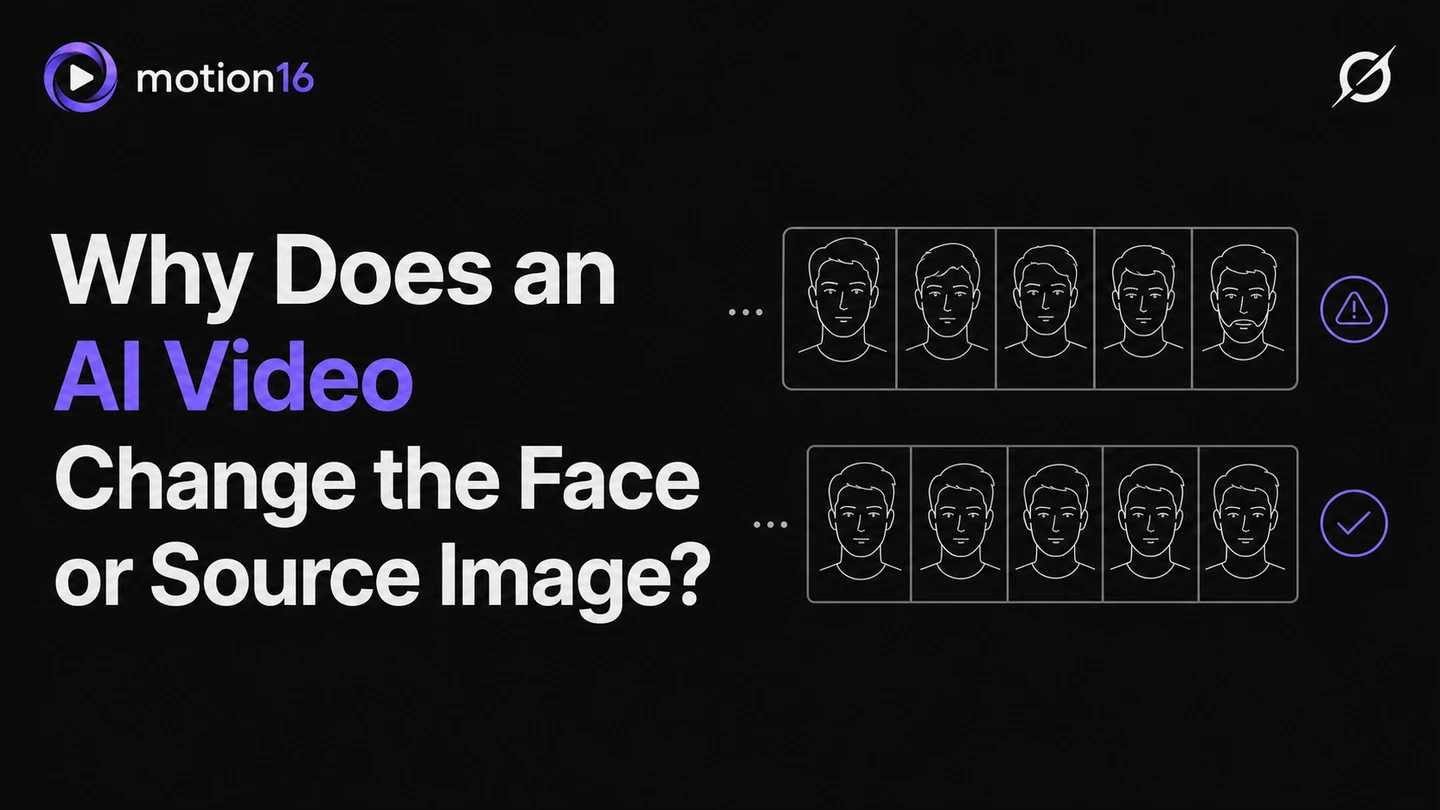
A video model has to invent the frames between moments
An image-to-video model does more than animate a flat layer. It predicts how the subject and scene might look across a sequence of new frames. When a face turns away and back, the model must reconstruct angles, shadows, ears, hair, and facial proportions that may not exist in the original picture.
That reconstruction is why small differences can appear even when the prompt never asks for them. A product label may warp during an orbit, a pattern may change as fabric folds, or a face may look slightly different at a new angle. The larger the visual gap between frames, the more the model has to infer.
Source quality and framing set the difficulty
A sharp, well-lit source with a readable subject gives the model stronger evidence. Heavy compression, motion blur, tiny faces, harsh shadows, or hands covering key features can make identity harder to maintain. Cropping a source so the important subject has enough pixels can help more than adding another paragraph to the prompt.
Framing also affects what the motion can reveal. A tight headshot contains no reliable information about the person's full outfit or lower body. Asking it to pull back into a full-body walk requires extensive invention. If that wider shot matters, begin with a source that already includes the needed visual information.
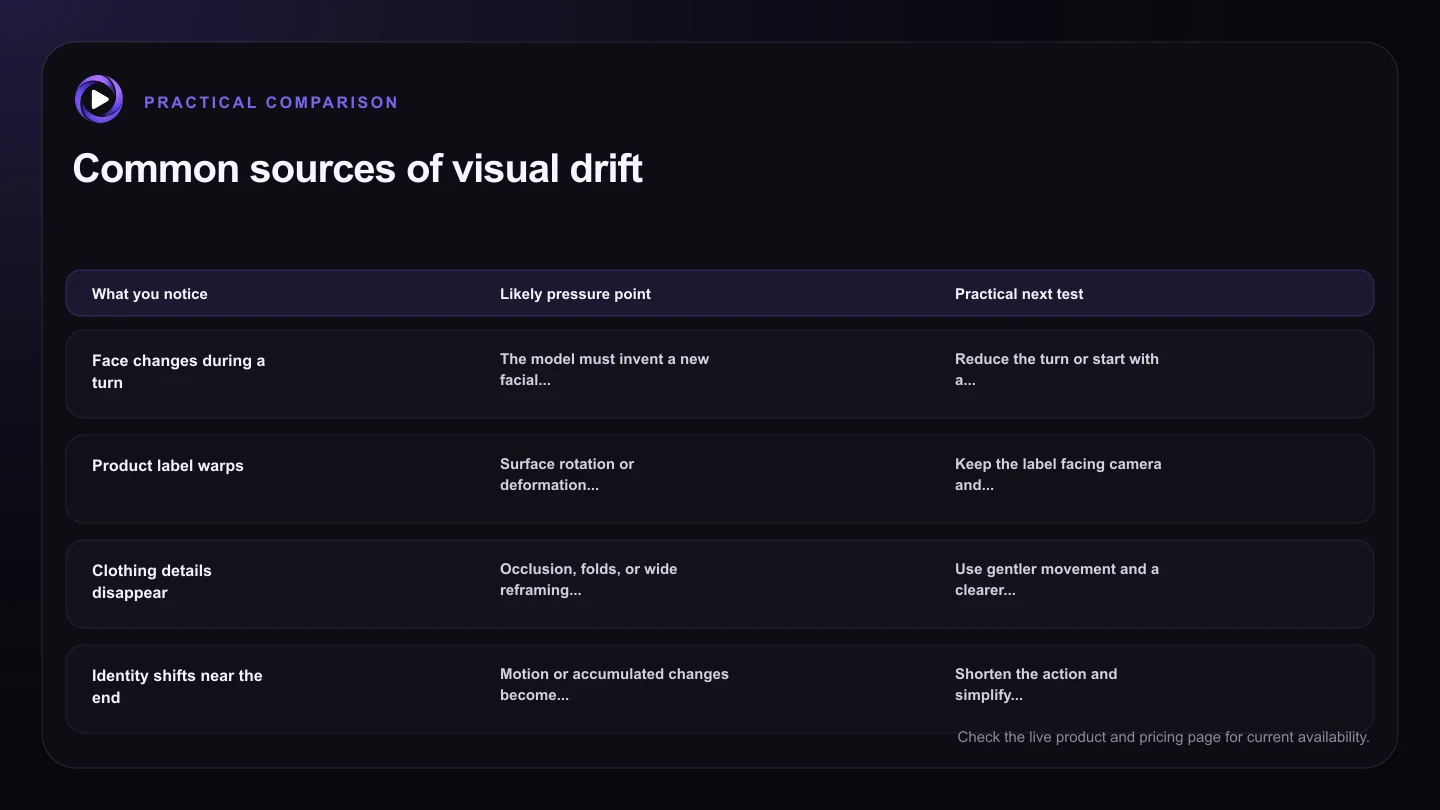
| What you notice | Likely pressure point | Practical next test |
|---|---|---|
| Face changes during a turn | The model must invent a new facial angle | Reduce the turn or start with a more suitable angle |
| Product label warps | Surface rotation or deformation changes fine text | Keep the label facing camera and reduce object movement |
| Clothing details disappear | Occlusion, folds, or wide reframing hide source evidence | Use gentler movement and a clearer full-body source |
| Identity shifts near the end | Motion or accumulated changes become too complex | Shorten the action and simplify the final beat |
| Background replaces itself | The prompt requests a scene change or large camera reveal | Keep the setting fixed or generate the new setting separately |
Large motion, occlusion, and fast cameras increase drift
Fast turns, spins, hands crossing the face, hair covering the eyes, and objects passing in front of the subject create temporary gaps. The model must decide what reappears after the obstruction. That can change facial structure, accessories, text, or small design details.
Aggressive camera moves create a similar challenge. A rapid orbit exposes unseen sides of a person or object, while a strong zoom changes the amount of fine detail required from frame to frame. Try a slow push in, a shallow pan, or a mostly fixed camera before asking for a complex move.
Prompt conflicts can pull the clip away from the source
A prompt can quietly contradict the image. Asking a neutral portrait to show a huge open-mouth laugh, dramatic wind, a wardrobe transformation, and flashing colored light changes several defining features at once. Each change may be reasonable alone, but together they compete with identity preservation.
Prioritize the action that matters and state the stability requirement in plain language. For example: ‘She gives a small smile and looks left. Her facial features, hairstyle, and jacket remain consistent. The camera stays fixed.’ This cannot guarantee perfect identity, but it gives the model a more coherent assignment.
Diagnose one kind of drift at a time
Watch the clip frame by frame and identify when the change starts. If drift begins when the head turns, reduce the turn. If it starts during a camera orbit, simplify the camera. If a logo changes while the object bends, reduce deformation or choose a shot where the logo remains front-facing.
Keep each test beside the original in Motion16 and adjust one variable. A failed clip is more useful when it tells you which instruction created the problem. Sometimes the right answer is a new source image with a better pose, crop, or view, rather than a more complicated prompt.
Try this next
A practical checklist for your next test
- Use a sharp source where the important subject is large enough to inspect.
- Choose motion that fits the visible pose and framing.
- Limit occlusion and fast rotations in the first test.
- Use one camera move and one main subject action.
- Name only the identity details that truly must remain stable.
- Review where drift begins before changing the next prompt.
Frequently asked questions
Can AI video preserve a face perfectly?
Perfect preservation is not guaranteed. Source quality, motion, angle changes, occlusion, model behavior, and generation variation all affect consistency. Smaller, well-matched movements usually give the model an easier task.
Why does text on a product change in AI video?
Fine text is difficult to reconstruct while a surface moves, rotates, bends, or becomes smaller. Keep important text large, front-facing, and relatively still, then evaluate whether the clip is suitable for final production use.
Should I keep adding identity instructions to the prompt?
A short stability instruction can help, but more text does not always solve a difficult source or movement. Simplify the action, camera, and framing before adding more constraints.
Keep exploring: Read How Do You Write Better Grok Image-to-Video Prompts?, or check the current Motion16 plans and limits.