Short answer: Motion16 is a strong Grok alternative for campaign teams that want supported GPT Image and Grok media workflows, reference-led creation, Motion16 Edit, batches, project history, and image-to-video in one place. It can speed up concepting and adaptation, but it does not replace a brand brief, legal review, factual verification, or human approval. The best results come from using AI as a connected production tool, not as the campaign strategist.
Translate the campaign brief into visual decisions
Before opening a model, reduce the brief to a few decisions the image must express. Who is the audience? What should they understand? What should the scene feel like? Which product, character, color, or composition must remain consistent? This becomes a visual brief that can survive across several prompts.
Separate fixed elements from flexible ones. Brand colors, product form, required placement, and an approved character may be fixed. Location, camera angle, props, or time of day may be open to exploration. Models respond better when you tell them what can change instead of burying every idea in one paragraph.
Use batches to choose a route, not to avoid a decision
A small batch is useful when the team needs to compare clear creative routes. You might test a bright studio setup against a documentary location or a bold graphic composition against a quiet editorial one. Label the purpose of each route so reviewers can discuss the idea rather than simply voting for the prettiest frame.
Once a route wins, stop widening the search. Make focused versions for placement, copy space, season, or audience segment. Project history helps keep those branches connected to the selected source, which is much easier to review than a channel filled with unnamed downloads.
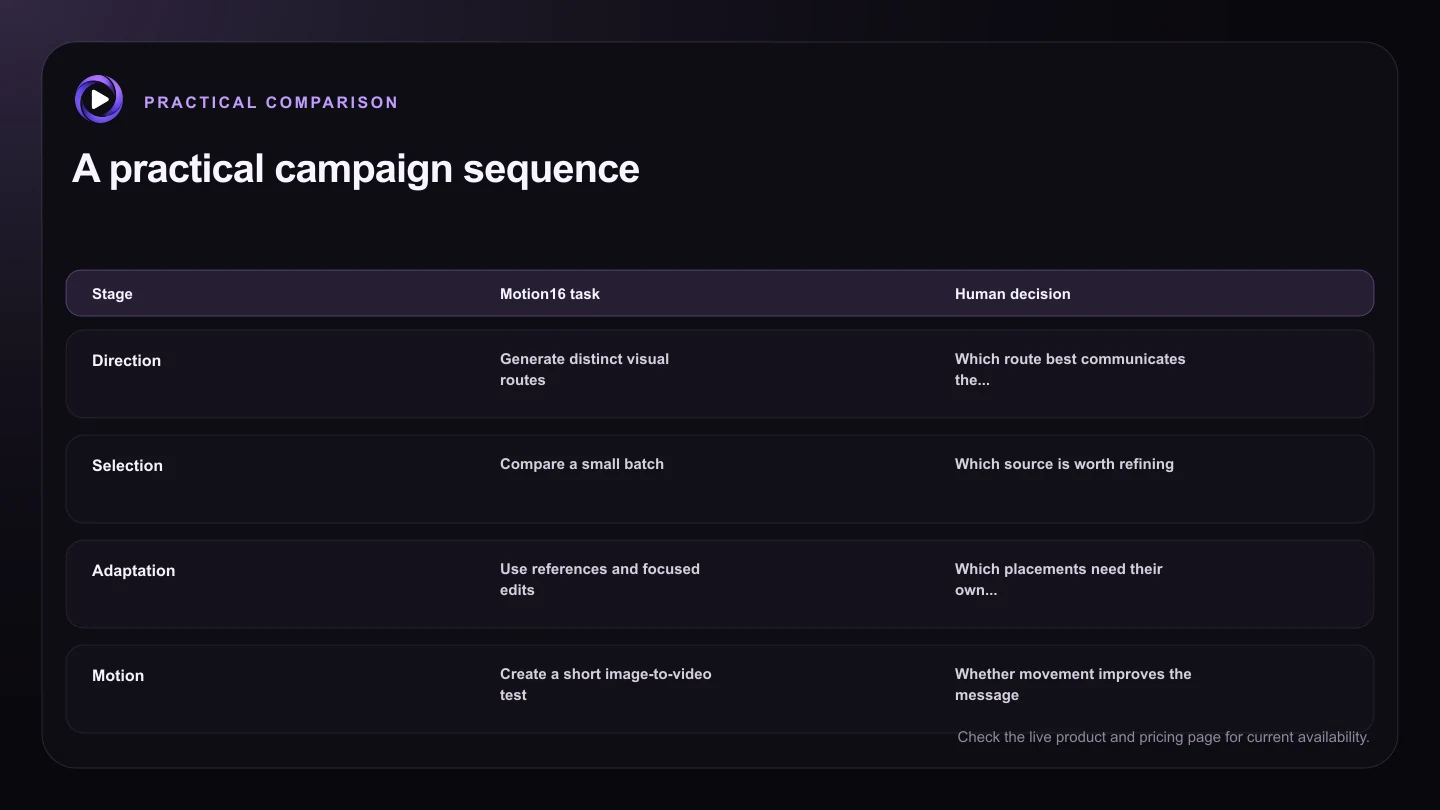
| Stage | Motion16 task | Human decision |
|---|---|---|
| Direction | Generate distinct visual routes | Which route best communicates the brief |
| Selection | Compare a small batch | Which source is worth refining |
| Adaptation | Use references and focused edits | Which placements need their own composition |
| Motion | Create a short image-to-video test | Whether movement improves the message |
| Approval | Keep the media trail in project history | Brand, factual, rights, and legal sign-off |
Build adaptation into the project from the start
Campaign assets rarely live in one rectangle. Plan for wide, square, and vertical placements while the composition is still flexible. Keep important subjects away from fragile crop edges and create a clean version without overlaid text. A focused edit can often open space or simplify a background without throwing away the approved direction.
Motion should also begin with the campaign idea. A subtle push toward the product, fabric movement, or changing light may support the message better than a complicated action. Use image-to-video after the still direction is approved, then judge whether the movement strengthens the idea or merely makes it move.
Create an approval trail people can actually follow
Teams lose time when nobody knows which file is current. Keep source references, promising generations, edits, and motion tests in a logical project path. Record the intended placement and decision beside the creative work in whatever approval system your team uses. Motion16 project history provides the media trail, while your campaign process should record owners and sign-off.
Every final asset still needs review for brand alignment, product accuracy, claims, rights, disclosure requirements, and unintended visual details. These checks vary by market and channel. AI can accelerate production, but it cannot know the full legal and commercial context of your campaign.
Try this next
Campaign workflow checklist
- Write fixed and flexible visual elements separately.
- Give every exploratory batch a clear question to answer.
- Choose one route before producing many adaptations.
- Keep clean masters for future crops and copy changes.
- Review every final asset for claims and product accuracy.
- Record the owner and approval status outside the generation prompt.
Frequently asked questions
Can Motion16 create an entire campaign automatically?
It can help generate and adapt campaign media, but strategy, messaging, selection, rights review, and approval remain human responsibilities.
Should every campaign variation use the same prompt?
Keep a shared visual brief, but adjust the prompt for the placement and purpose. A vertical story, a wide banner, and a product detail image do different jobs.
How many concepts should a team generate first?
There is no universal number. Start with a few genuinely distinct routes and stop expanding once the team has enough evidence to choose a direction.
Keep exploring: Read What Is the Best Grok Alternative for Social Media Content?, or check the current Motion16 plans and limits.