Short answer: Motion16 supports multiple-output and batch-oriented image workflows with supported GPT Image and Grok options. Results can stay together with their prompt and project history, making shortlisting easier. The number of available outputs depends on the selected model, current plan, queue, and provider limits.
A variation needs a reason to exist
Before generating, name the uncertainty. Are you choosing a camera angle, wardrobe direction, background, color palette, or amount of negative space? That question becomes the basis for comparing the results.
Without a decision in mind, more outputs can create more hesitation. A useful set may contain only a few candidates, as long as each one gives you a genuinely different way forward.
Control how different the results should be
For subtle variations, keep the prompt and settings stable and look for differences in expression, pose, texture, or composition. For broader exploration, run separate prompts that clearly define each creative direction.
Do not ask one prompt to be minimal, ornate, documentary, cinematic, close, and wide at the same time. Separate those intentions so you can tell which direction produced the useful result.
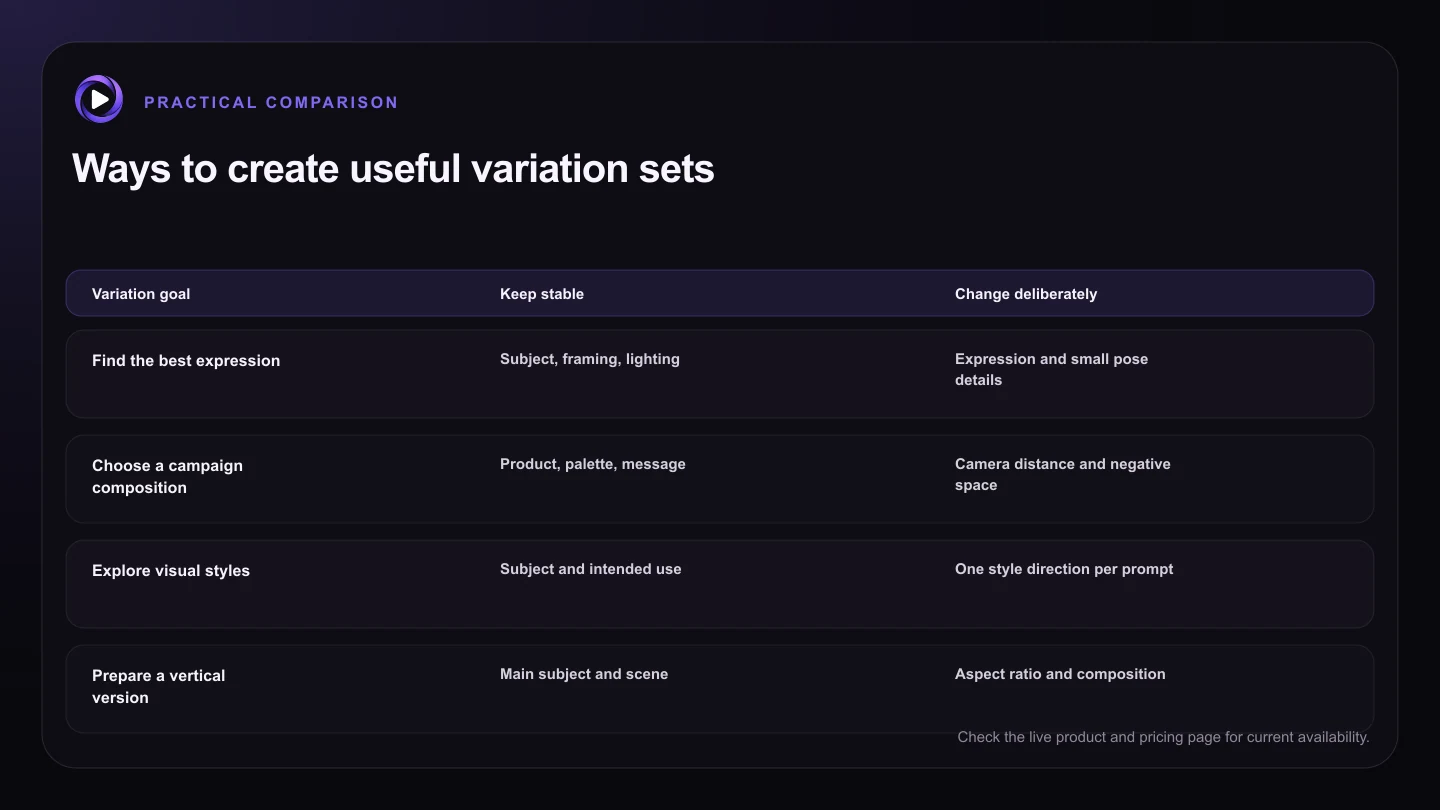
| Variation goal | Keep stable | Change deliberately |
|---|---|---|
| Find the best expression | Subject, framing, lighting | Expression and small pose details |
| Choose a campaign composition | Product, palette, message | Camera distance and negative space |
| Explore visual styles | Subject and intended use | One style direction per prompt |
| Prepare a vertical version | Main subject and scene | Aspect ratio and composition |
| Find a video source | Identity and setting | Pose and available motion space |
Use references when the subject must stay recognizable
A reference can anchor a product, character, outfit, or visual motif while the composition changes. Explain what the source controls and what the model may reinterpret. A reference alone does not communicate priority.
Consistency is never automatic. Compare the details that matter to your project, and use the strongest variation as the source for a focused edit if a small issue remains.
Shortlist with the final format in mind
An image for a mobile story needs different space than a website hero. Judge variations inside the likely crop, not only in a large gallery view. Check whether text, controls, or a logo will compete with the subject.
Give yourself a simple scoring rule such as concept, subject accuracy, crop flexibility, and technical cleanup. The score does not replace taste, but it stops one flashy detail from hiding a weak fit.
Turn the winner into a branch, not a dead end
Once you choose a direction, keep the original batch visible. You may want a second crop, a cleaner background, or a video based on a neighboring candidate rather than the first winner.
Motion16 project history is useful here because generation, editing, and supported video work can stay in one flow. You can branch from the better result without pretending that every output belongs in the final campaign.
Try this next
Plan a variation set
- Write the creative question the variations need to answer.
- Choose whether you need subtle changes or separate directions.
- Keep important shared details explicit in the prompt.
- Use references only when their role is clear.
- Judge candidates in the final aspect ratio and likely crop.
- Continue editing or video work from the strongest source.
Frequently asked questions
Are image variations the same as a batch?
They overlap, but the intent is different. A batch describes how several outputs are submitted, while a variation set describes how those outputs help you compare one controlled creative question.
Can I create variations from a reference image?
Yes, when the selected model supports that source setup. State what should remain recognizable and what may change, then review the important details rather than assuming perfect consistency.
How many variations should I request?
Use the smallest set that can reveal a useful choice. The current maximum depends on the selected model, plan, and live capacity, so check the composer before submitting.
Keep exploring: Read Is There a Grok Imagine Alternative With Batch Image Generation?, or check the current Motion16 plans and limits.