Short answer: Run the same clear brief through both supported workflows, keep the aspect ratio and reference inputs consistent, and compare several outputs using a short scoring rubric. Judge prompt fit, composition, subject consistency, detail, and how easily the result can continue into your next step. Motion16 helps by keeping both model outputs in one project, so the decision is based on visible results rather than brand assumptions.
Define the decision before generating
Start by writing down what the image must accomplish. A social thumbnail needs an immediate focal point and readable space for text. A product concept may need accurate shape, material, and lighting. A character study may care most about expression and consistency across edits.
Without that definition, the most dramatic image tends to win even when it is less useful. Choose three to five criteria and decide which matter most. That keeps the comparison tied to the work instead of turning it into a vague argument about which model is universally better.
Keep the test inputs genuinely comparable
Use the same core prompt, aspect ratio, source references, and requested output count where the supported workflows allow it. Do not give one model a polished prompt and the other a rushed summary. If model-specific wording is necessary, preserve the same creative requirements and record what changed.
Generate more than one candidate. AI output varies from run to run, so a single pair can overstate luck. A small, matched batch gives you enough evidence to notice whether a strength repeats. It also reveals whether a model produces one standout surrounded by weak options or a consistently usable group.
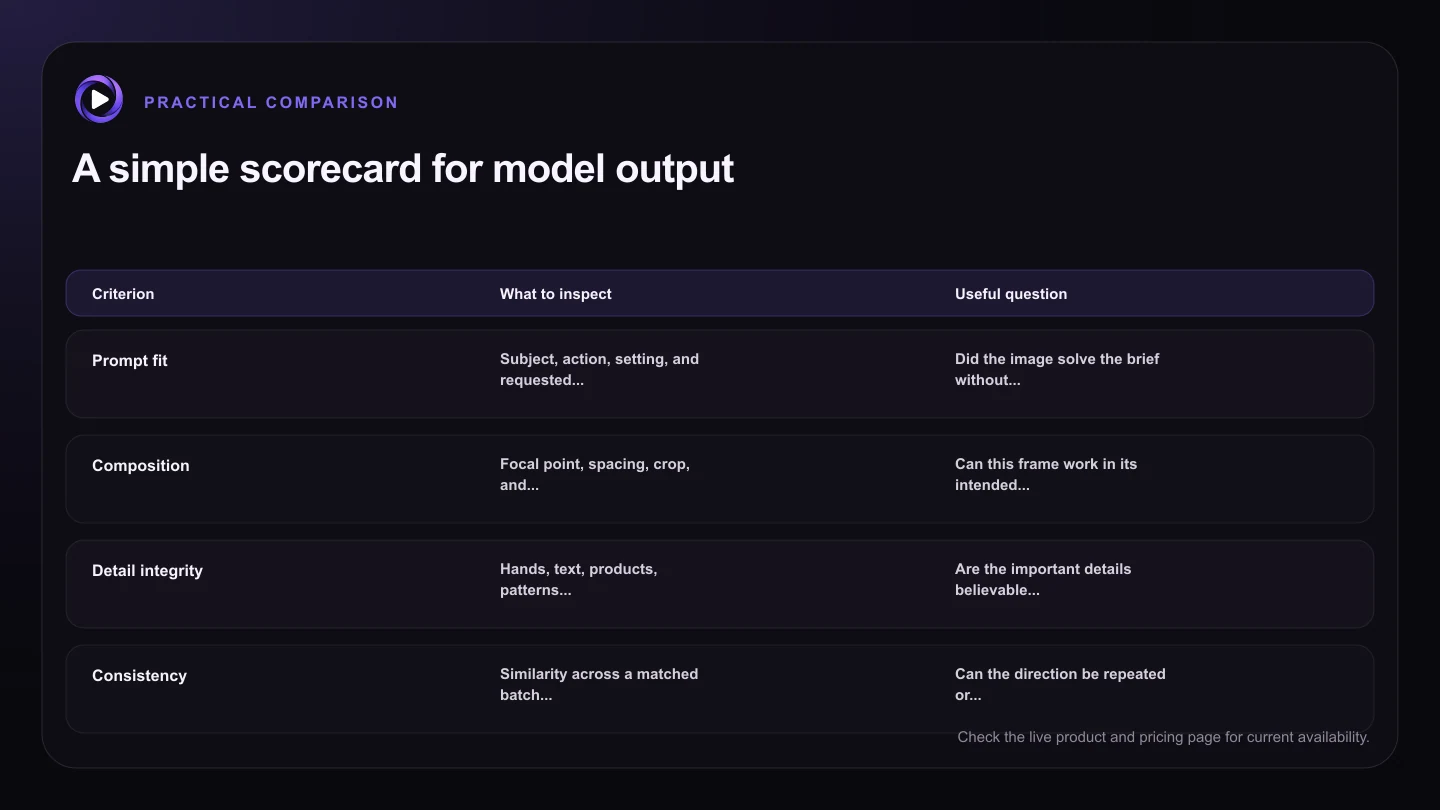
| Criterion | What to inspect | Useful question |
|---|---|---|
| Prompt fit | Subject, action, setting, and requested style | Did the image solve the brief without ignoring key instructions? |
| Composition | Focal point, spacing, crop, and hierarchy | Can this frame work in its intended placement? |
| Detail integrity | Hands, text, products, patterns, and edges | Are the important details believable at delivery size? |
| Consistency | Similarity across a matched batch or reference-led outputs | Can the direction be repeated or refined? |
| Next-step readiness | Editability and suitability for video or reuse | Does this result make the rest of the workflow easier? |
Score what you can see
Review at full size. Check whether the subject, action, setting, composition, and style match the brief. Then inspect important details such as hands, text, product geometry, repeated patterns, edges, and background relationships. Different jobs expose different failure modes.
Use simple scores or notes rather than pretending every quality is objective. A one-to-five rating for prompt fit, composition, detail, and edit readiness is enough. Add a short reason such as ‘strong layout, weak label text’ so the winning choice still makes sense later.
Include the next workflow step in the comparison
The best first image is not always the best project result. One output may be visually striking but hard to edit. Another may preserve clean structure, leave useful negative space, or provide a stronger source for image-to-video. Consider what happens after selection.
Motion16 keeps generated images, prompts, edits, and video handoffs connected. Test whether the preferred result survives a realistic next step, such as changing an object, adapting the crop, or making a short clip. That practical continuation can be more revealing than pixel inspection alone.
Treat the outcome as a workflow choice, not a permanent verdict
Models and provider behavior change over time, and their relative performance can vary by prompt. A model that works well for a stylized campaign may not be the best choice for a product layout. Record what worked for this kind of brief and test again when the project changes.
Motion16 is an independent workspace and is not affiliated with OpenAI or xAI. Its value in a comparison is practical: supported model workflows can be reviewed in the same project. Availability and behavior still depend on the providers, so use current results as your evidence.
Try this next
A practical checklist for your next test
- Write the intended use and top review criteria first.
- Use the same core brief, ratio, references, and batch size.
- Compare several outputs instead of one lucky pair.
- Review both overall composition and job-specific details.
- Test one realistic edit or video handoff from each finalist.
- Save short notes explaining why the winner fits the project.
Frequently asked questions
Is GPT Image always better than Grok Image?
No model is always better for every prompt and workflow. Compare current outputs against the requirements of your specific project, including what you need to do after generation.
Can I compare GPT Image and Grok inside Motion16?
Motion16 supports GPT Image and Grok media workflows and keeps project results together, subject to current plan access and provider availability. Check the app and pricing page for current availability.
How many results do I need for a fair test?
There is no universal minimum, but several matched outputs are more informative than one pair. Use a batch size that is practical for your plan and score every candidate with the same criteria.
Keep exploring: Read Should I Use GPT Image or Grok for AI Image Generation?, or check the current Motion16 plans and limits.